RDAP vs WHOIS for OSINT: Why You Should Already Be Using the Modern Protocol

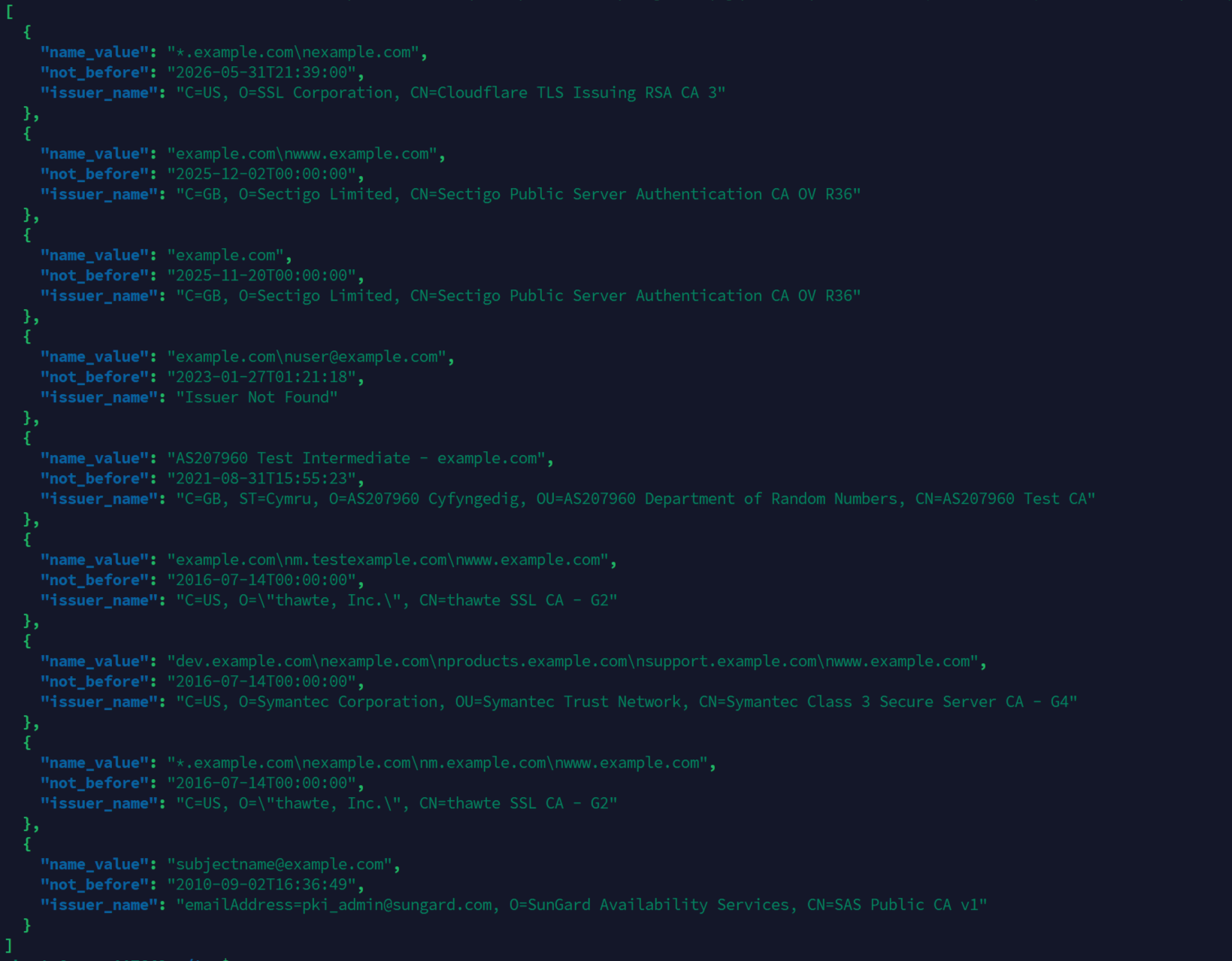
When a new investigation lands on my desk and the lead is a domain, my first instinct used to be whois example.com. Yours probably was too. That muscle memory served us well for thirty years. It also needs to go.
As of January 28, 2025, ICANN no longer requires gTLD registries and registrars to maintain WHOIS service on TCP/43. RDAP (Registration Data Access Protocol) is the mandatory replacement for generic TLDs. The legacy protocol is not dead everywhere, and we will get to where it still matters, but for the .com, .net, .org, .io, .app, .dev side of the universe, RDAP is the official source of truth now.
If your OSINT toolkit, scripts, or training material still treats WHOIS as the primary method, you are working against the grain. This post walks through why the switch happened, what RDAP actually gives you, and how to fold it into a working investigation flow.
The protocol that lasted too long
WHOIS was formalized in 1982 by RFC 812 (later RFC 3912). The design is about as simple as a network protocol gets: open a TCP socket on port 43, send a domain name in plaintext, read whatever the server feels like sending back.
That last part is the problem. There is no standardized response format. Every registry and registrar prints its own freeform layout. Field names vary. Date formats vary. Some put the registrant block at the top, some at the bottom, some omit it entirely. Internationalization was never really part of the spec. There is no encryption, no authentication, and no built-in way to handle differentiated access.
For a long time none of that mattered much because the data was largely public and lightly used. Then GDPR arrived in May 2018, registrant contact data got redacted en masse, and the gap between what WHOIS pretended to be and what WHOIS actually returned became impossible to ignore.
RDAP was the IETF's answer. The specs originally landed as RFCs 7480 through 7484, now updated by 9082 and 9083. It has been live at ICANN-accredited registries and registrars since 2019, running in parallel with WHOIS. January 2025 is when the parallel road ended.
What RDAP actually is
Strip the acronyms away and RDAP is what you would design today if you had to rebuild WHOIS from scratch:
- HTTPS over TLS instead of plaintext TCP/43
- JSON responses with a documented schema
- Standardized field names and structures
- IANA-maintained bootstrap registry so you do not have to guess which server to query
- Native internationalization
- Designed for tiered or authenticated access, so registries can show more data to law enforcement or accredited researchers than to anonymous queries
You hit an HTTPS endpoint, you get back JSON, you parse it like any other API response. That is the whole pitch.
A side-by-side look
Same domain, two tools.
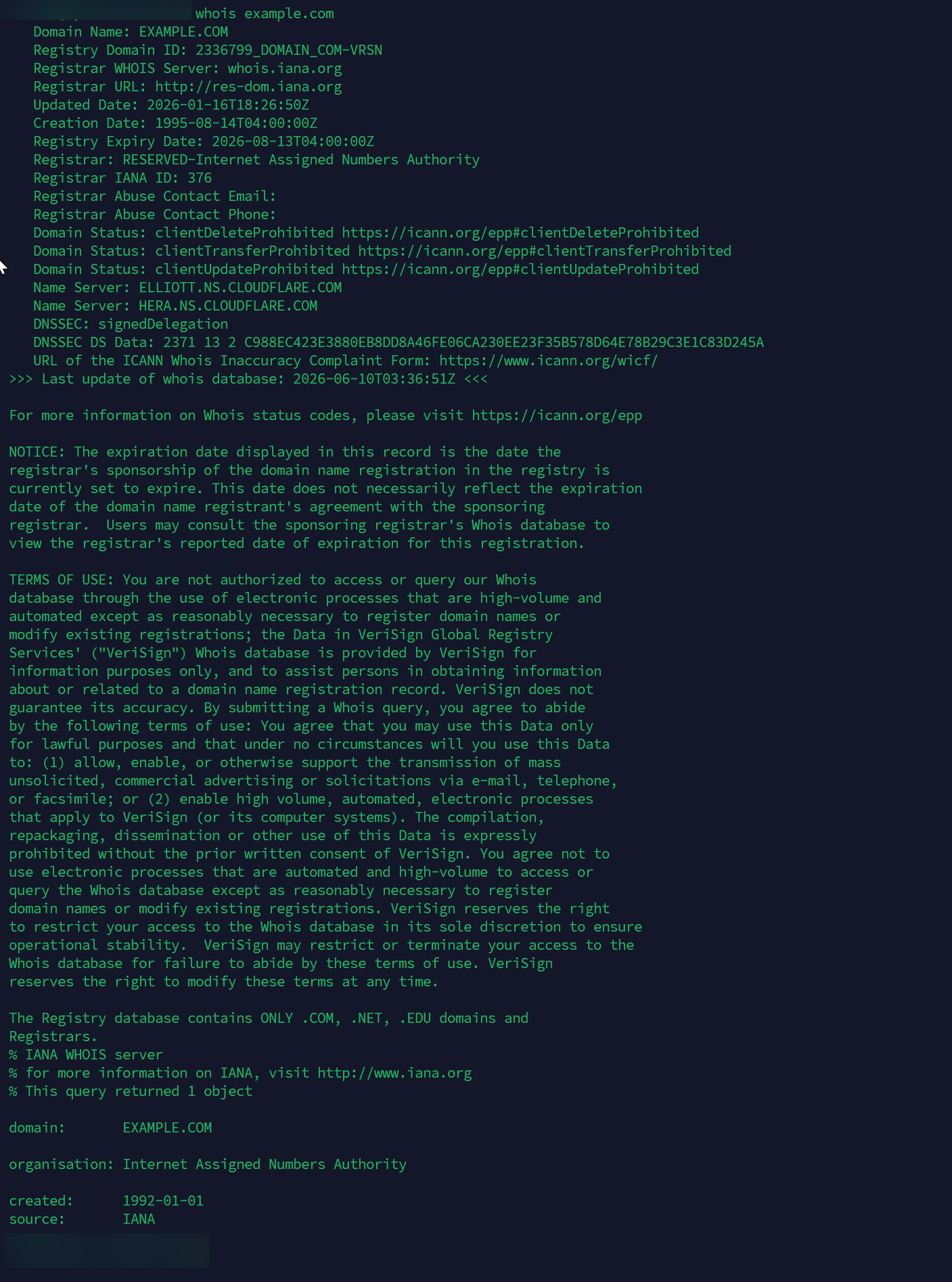
The classic approach:
whois example.com
The modern equivalent:
curl -s https://rdap.verisign.com/com/v1/domain/example.com | jq
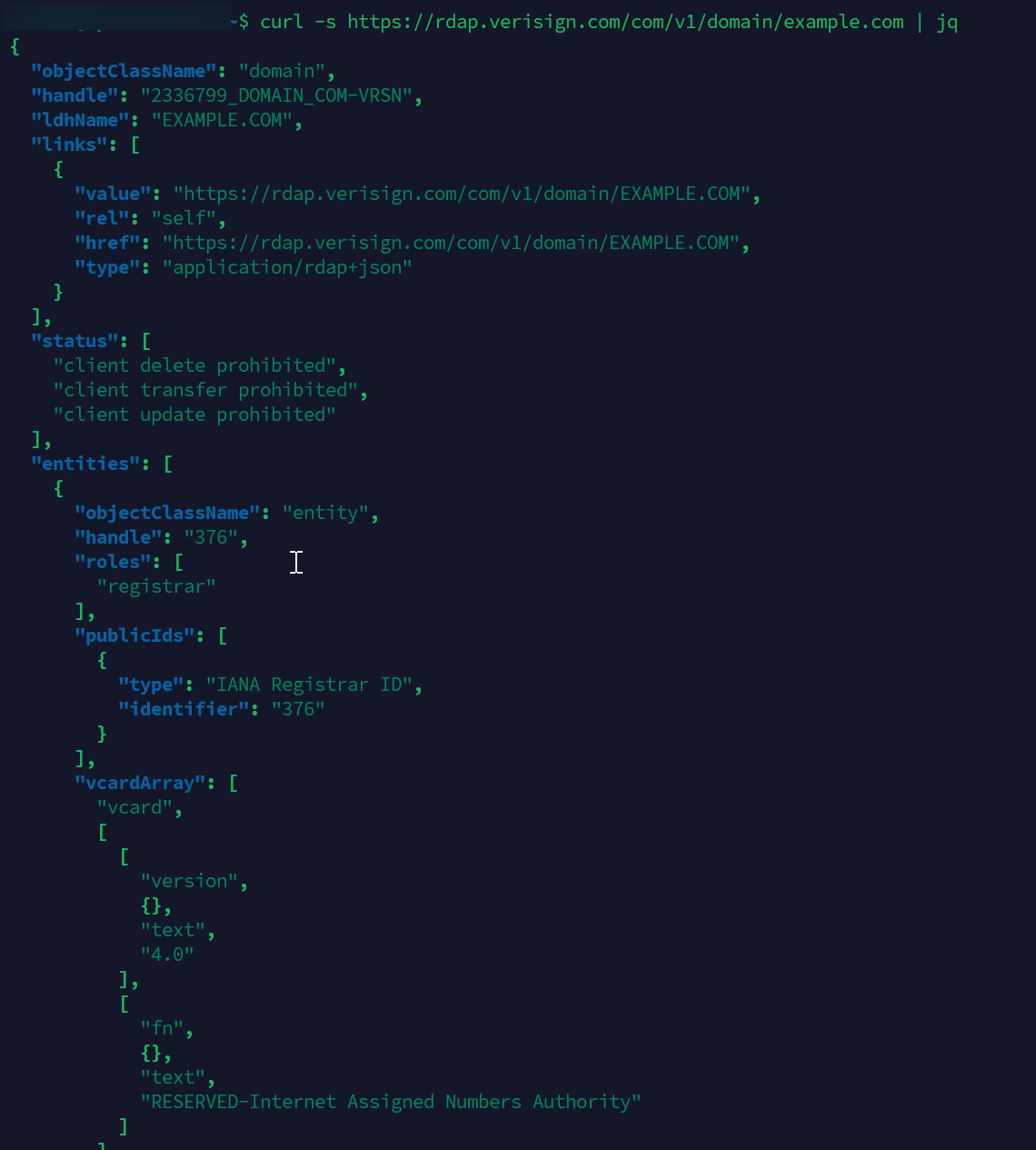
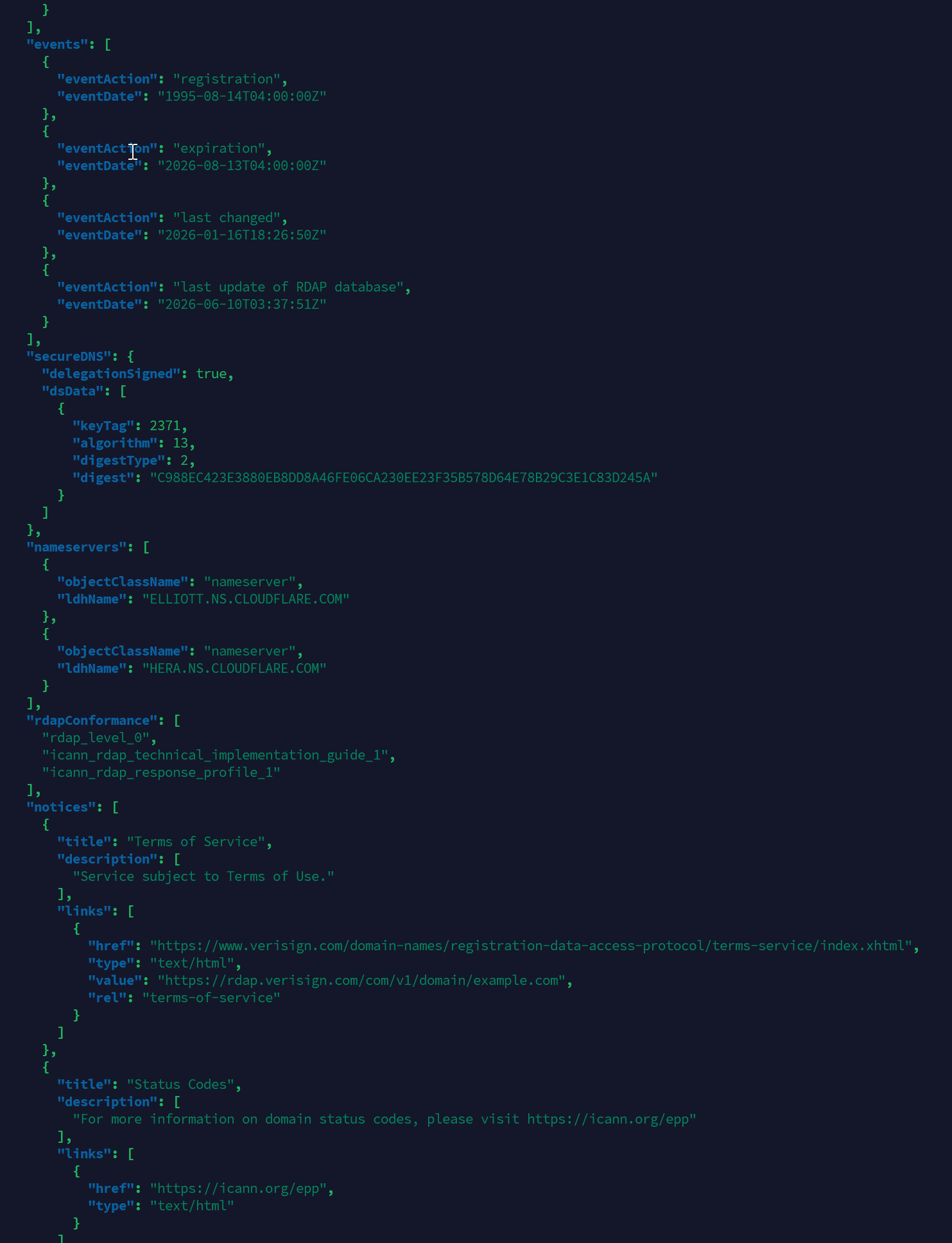
The WHOIS output is something you read with your eyes. The RDAP output is something a script reads. For one-off lookups in a terminal that may not feel like a win. The moment you are building anything automated, the gap is enormous.
You also do not need to know which server hosts .com data ahead of time. The IANA bootstrap file at https://data.iana.org/rdap/dns.json maps every TLD to its authoritative RDAP base URL. Most clients handle this for you. If you want to see the bootstrap mechanism directly:
curl -s https://data.iana.org/rdap/dns.json | jq '.services[] | select(.[0][] == "com")'

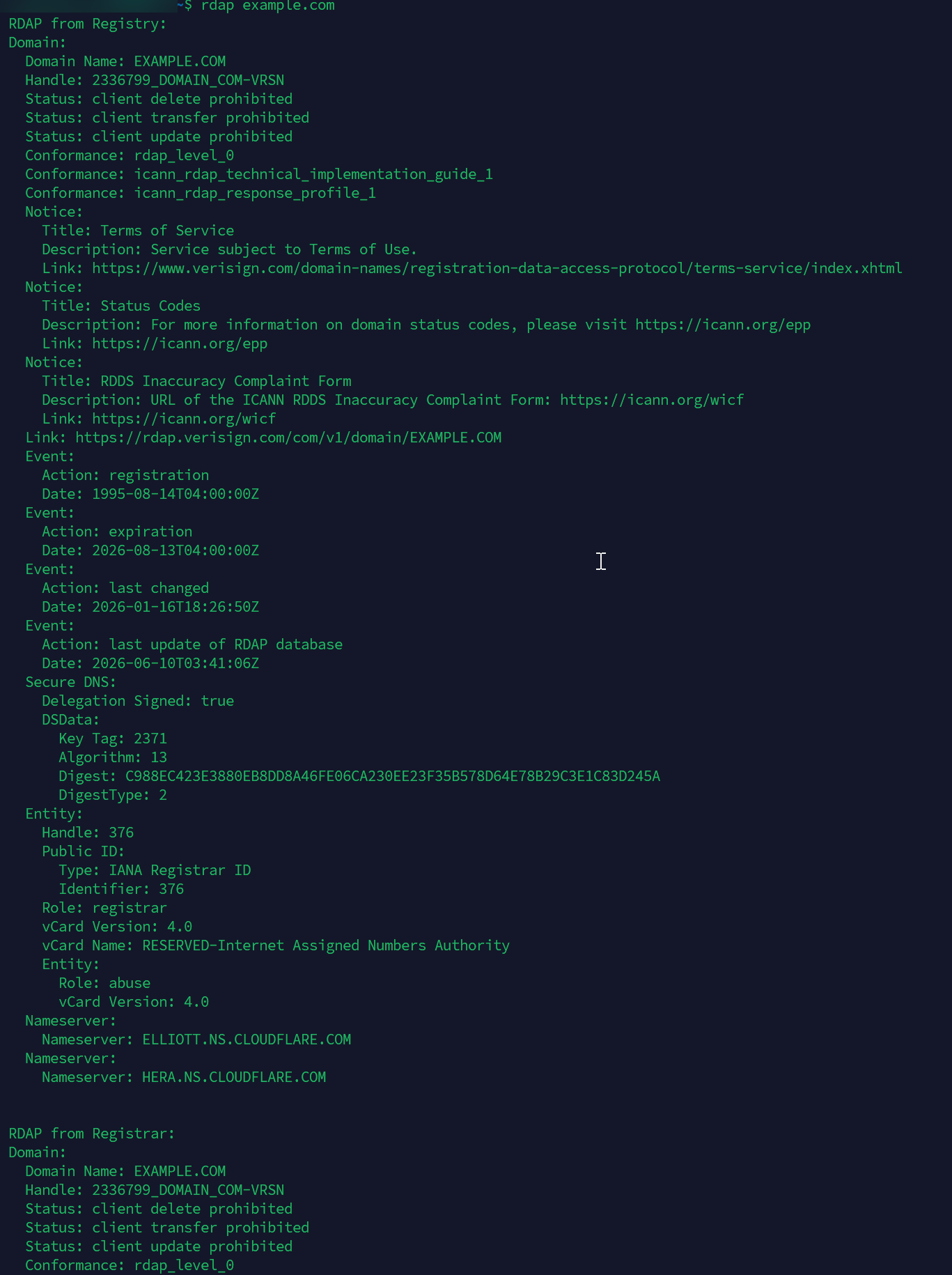
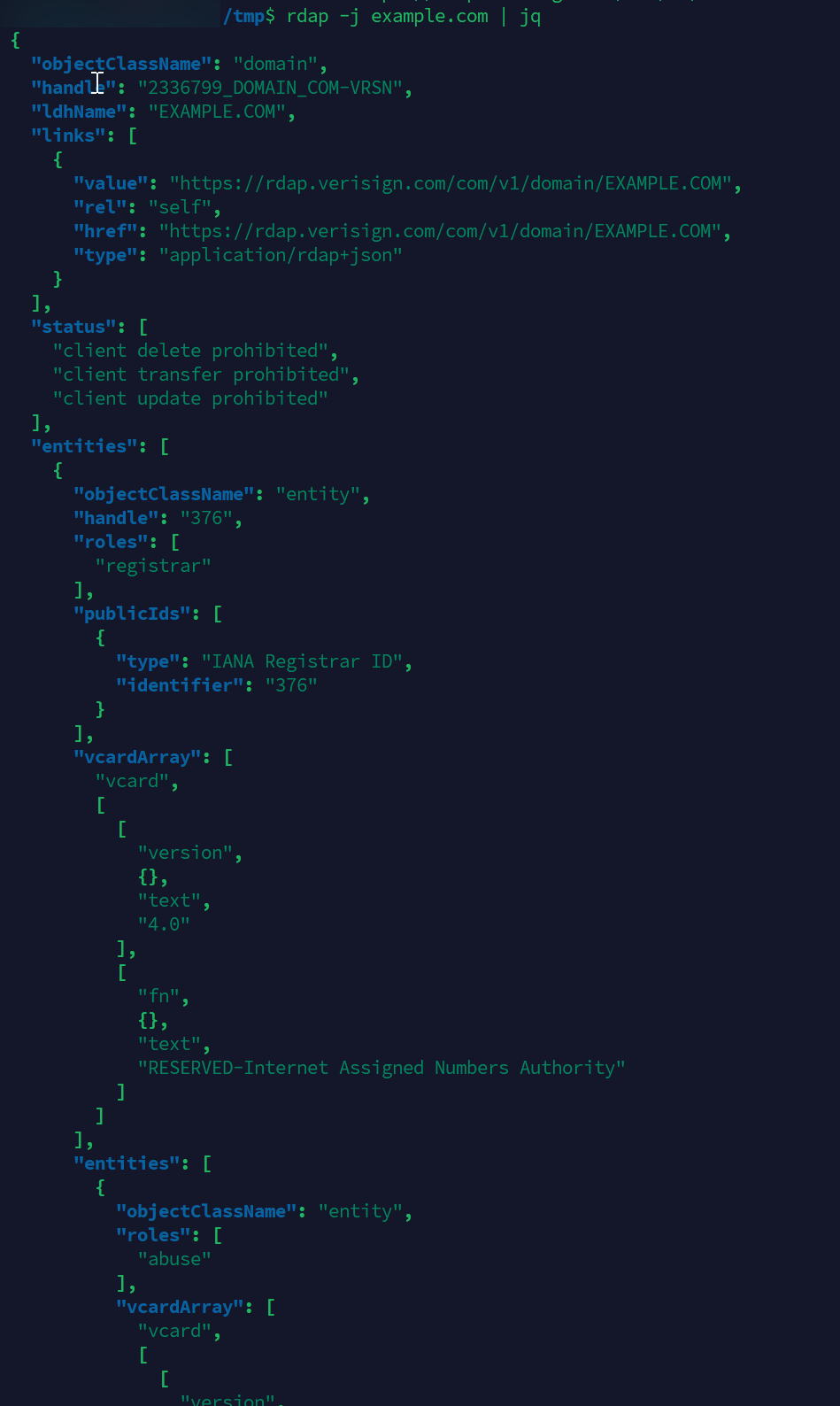
If you prefer a proper client over raw curl, the openrdap/rdap CLI is what I reach for:
rdap example.com
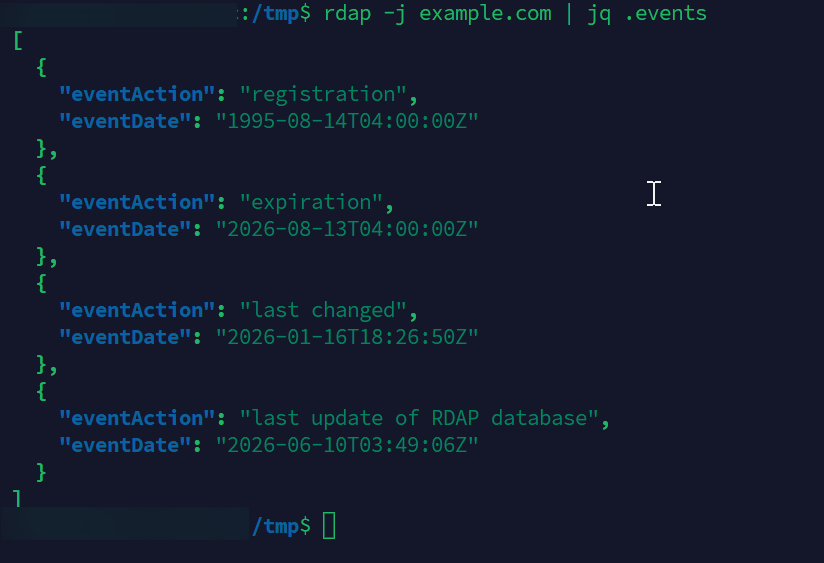
rdap -j example.com | jq .events
ICANN also runs a hosted lookup at https://lookup.icann.org/ if you want a browser UI, but for investigative work you almost always want the CLI or the API directly.
Why this matters for OSINT specifically
The protocol switch has real workflow implications beyond the obvious plumbing change.
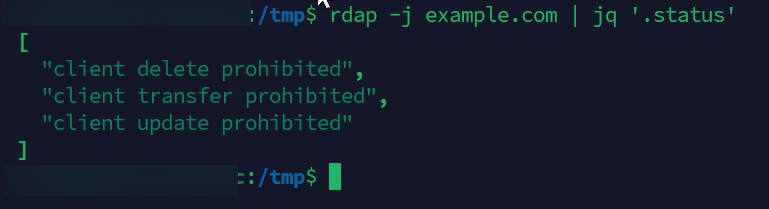
Parseable structure. EPP status codes (clientTransferProhibited, pendingDelete, serverHold, and so on) come back in a defined status array. In WHOIS they show up as a wall of text you have to regex out. If you have ever written a parser for thirty registrar dialects of WHOIS, you already understand why this matters. RDAP is the same shape everywhere.
Events with intent. RDAP encodes dates as an events array with explicit eventAction values: registration, expiration, last changed, transfer, last update of RDAP database. No more guessing whether "Updated Date" means the WHOIS server's database was refreshed or the domain itself was actually modified.
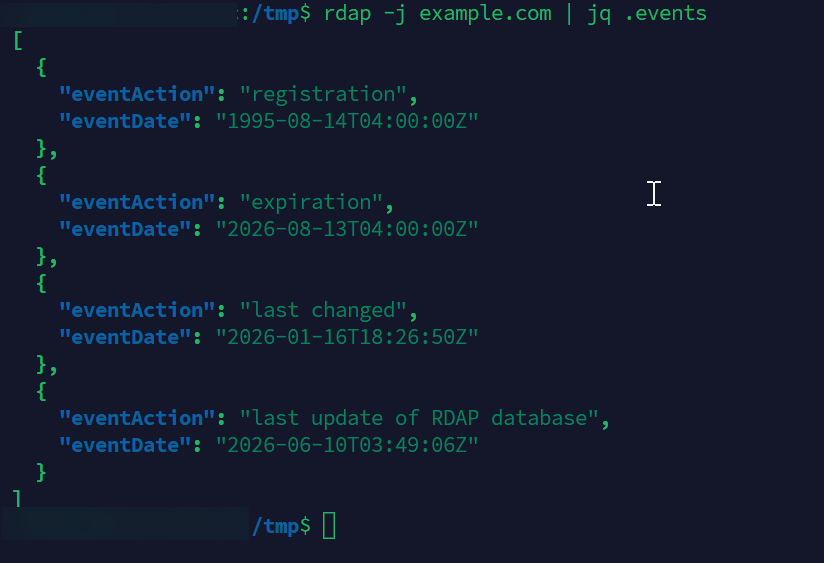
Entities with roles. Where WHOIS gave you blocks of text labeled "Registrant", "Admin Contact", and so on, RDAP gives you an entities array where each object carries an explicit roles field (registrar, registrant, administrative, technical, abuse). Even when the contact is redacted under GDPR, the structural relationships and the abuse contact almost always come through cleanly.
Cross-registry consistency. This is the killer feature for investigation pipelines. The same script that pulls events and status from a .com works against a .app, an ARIN IP allocation, or a RIPE ASN response. All five RIRs (ARIN, RIPE, APNIC, LACNIC, AFRINIC) run RDAP. You can build a single domain-and-network enrichment pipeline that does not need a separate parser per source.
Links to follow. Every RDAP response includes links to related resources, so pivoting from a domain to its registrar's RDAP profile or to the nameserver records is a documented operation, not a manual reconstruction.
When I rebuilt the PDFgear corporate attribution timeline recently, the historical lookups still had to lean on legacy WHOIS history archives because that data was captured before RDAP rollout. But every live lookup I did to confirm current state went through RDAP. The two coexist. Knowing which one to reach for in which situation is the actual skill.
Where WHOIS still earns its keep
I am not telling you to uninstall whois from your machine. There are situations where it still matters.
Historical research. WHOIS history providers (DomainTools, WhoisXML, Whoxy, and so on) have decades of archived records. If your investigation depends on reconstructing what a domain looked like in 2014 or tracking ownership transitions across years, you are pulling historical WHOIS snapshots. RDAP is the present-day protocol. The archives are what they are.
ccTLDs that did not migrate. ICANN's authority covers gTLDs. Country-code TLDs run on their own policy. Some have RDAP (.us, .au, .eu), some still publish via legacy WHOIS only (.de, .fr, and several others across Europe and Asia-Pacific), and the operational quality varies. For ccTLD work, check what protocol the registry operator currently runs before assuming.
Quick eyeballing. If you just want to glance at a domain and you are not feeding the output into anything downstream, whois is shorter to type. That is fine. Just know what you are looking at and that for gTLDs the data is increasingly a courtesy rather than a contractual obligation.
A simple investigation pattern
This is roughly what I do now when a new domain lands on my desk.
- Bootstrap lookup: hit the IANA bootstrap registry, or let the client do it for me, to find the authoritative RDAP endpoint for the TLD.
- Live registration data via RDAP: pull current registrar, status codes, events, nameservers, abuse contact.
- EPP status check: confirm whether transfer locks, server holds, or pending delete states are set. This is often the first signal that a domain is in a contested or compromised state.
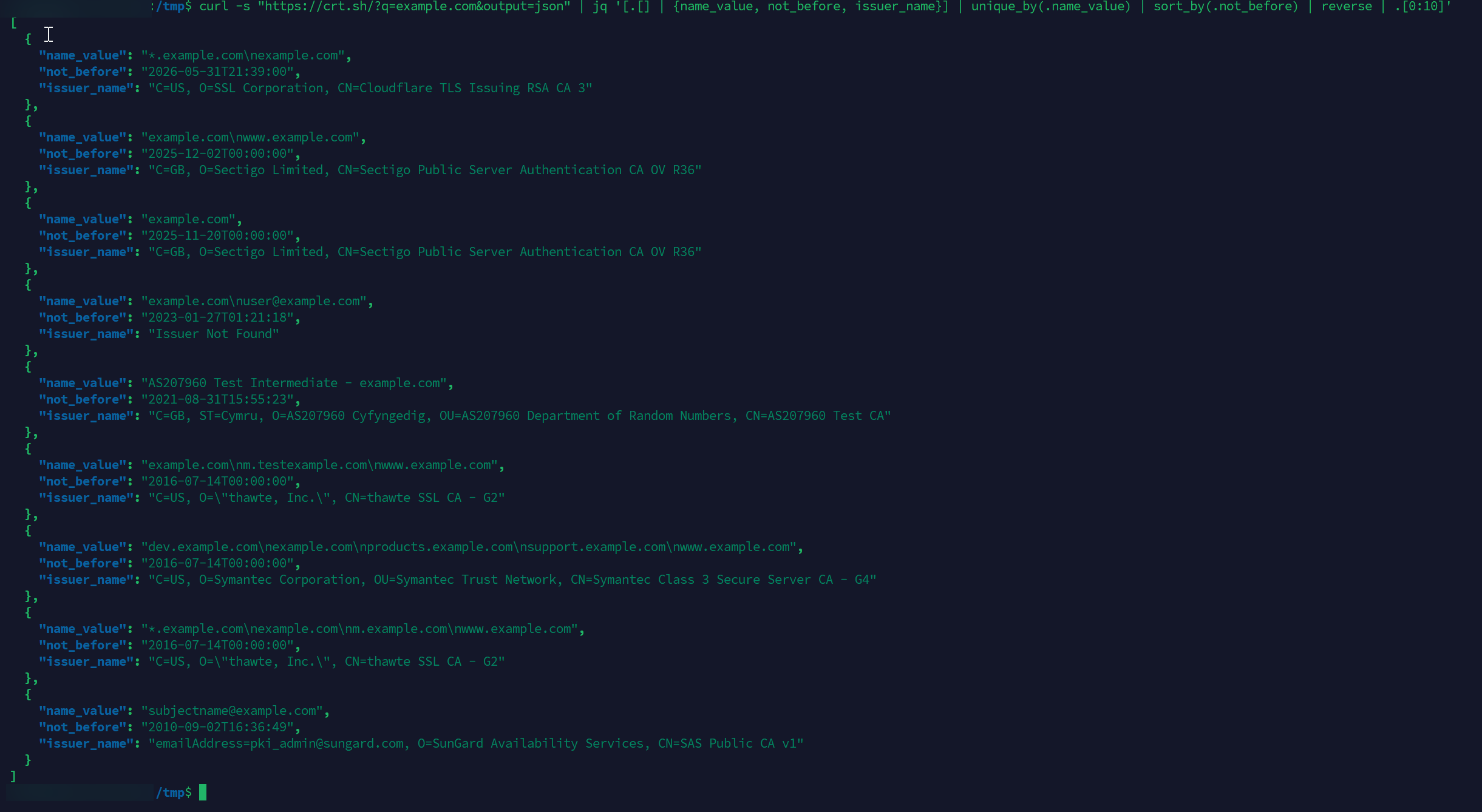
- Cross-reference passive DNS, certificate transparency, and the usual downstream pivots.
The point is that RDAP becomes the default for live data and WHOIS shifts to a historical or fallback role. If your scripts and runbooks still have WHOIS as step one for gTLDs, that is the change to make.
What to use, concretely
A short shortlist if you are starting fresh:
- CLI:
openrdap/rdap(Go binary, single file, handles bootstrap automatically) - Web:
https://lookup.icann.org/for ICANN's hosted client, orhttps://rdap.org/for a generic frontend - Python:
whoisitorpython-rdap, depending on whether you want a high-level wrapper or lower-level control - Bash one-liners:
curlplusjq, using the IANA bootstrap file to resolve the endpoint - Reference for status codes: ICANN's EPP status code page is still the canonical place to look up what
clientTransferProhibitedactually means in practice
For investigations that touch a lot of ccTLDs (which, for those of us doing Philippine and broader APAC OSINT work, is most of them), keep a WHOIS client around as a fallback. For everything .com, .net, .org, and the gTLD long tail, default to RDAP.
Closing thought
Protocol transitions in this industry usually feel slow until they suddenly are not. WHOIS lingered for forty years past its design constraints because nothing forced the issue. GDPR forced it. ICANN finally executed on the replacement. As of January 2025, the contractual obligation to run port 43 is gone for gTLDs. In early 2026, ICANN revoked at least one registrar's accreditation specifically for failing to implement RDAP, which makes clear that compliance is no longer aspirational.
For investigators, that means our tooling and our muscle memory both need to update. RDAP is the present default. WHOIS keeps a real but narrower role. Build the new habit now and your future investigations will run on cleaner data with less parser glue holding everything together.
Reach out if you have questions or comments or what to collaborate
Session Messenger: 059db238ab37c3d92615c5cc24b694da29c598cc13e27886053722404118e14271